

This feature is in closed beta and must be enabled for your organization.
Setting up the secondary cluster
In your site's configuration, you can specify a second cluster, called a secondary cluster. This will replicate your configuration on another OGO Shield.
To do this, simply go to the General tab in your site's configuration and select the secondary cluster.
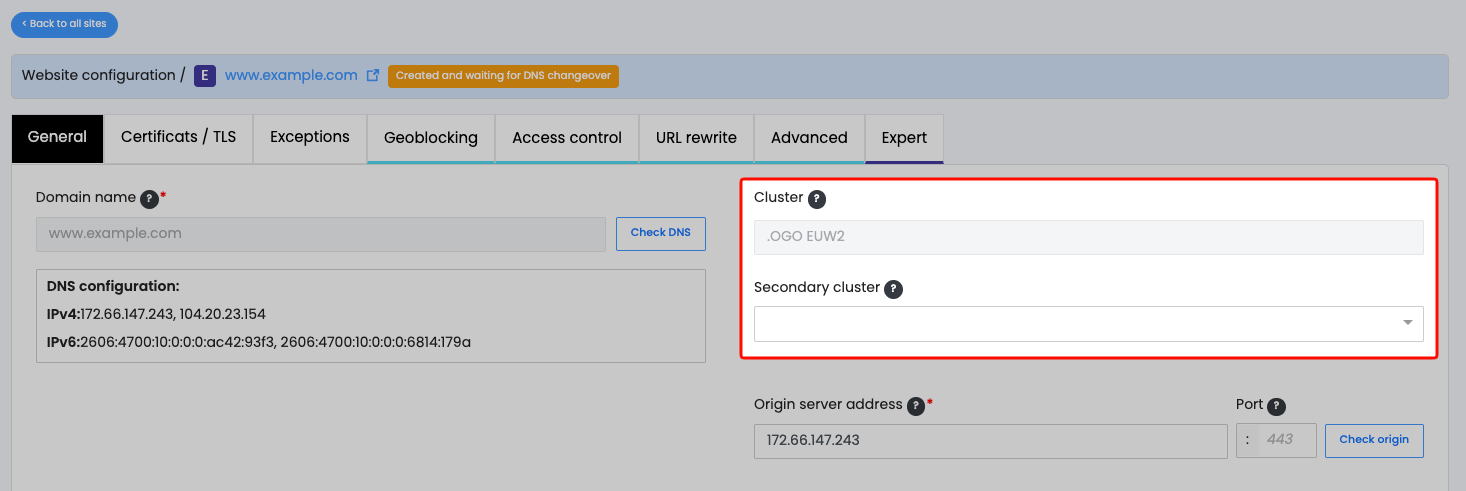
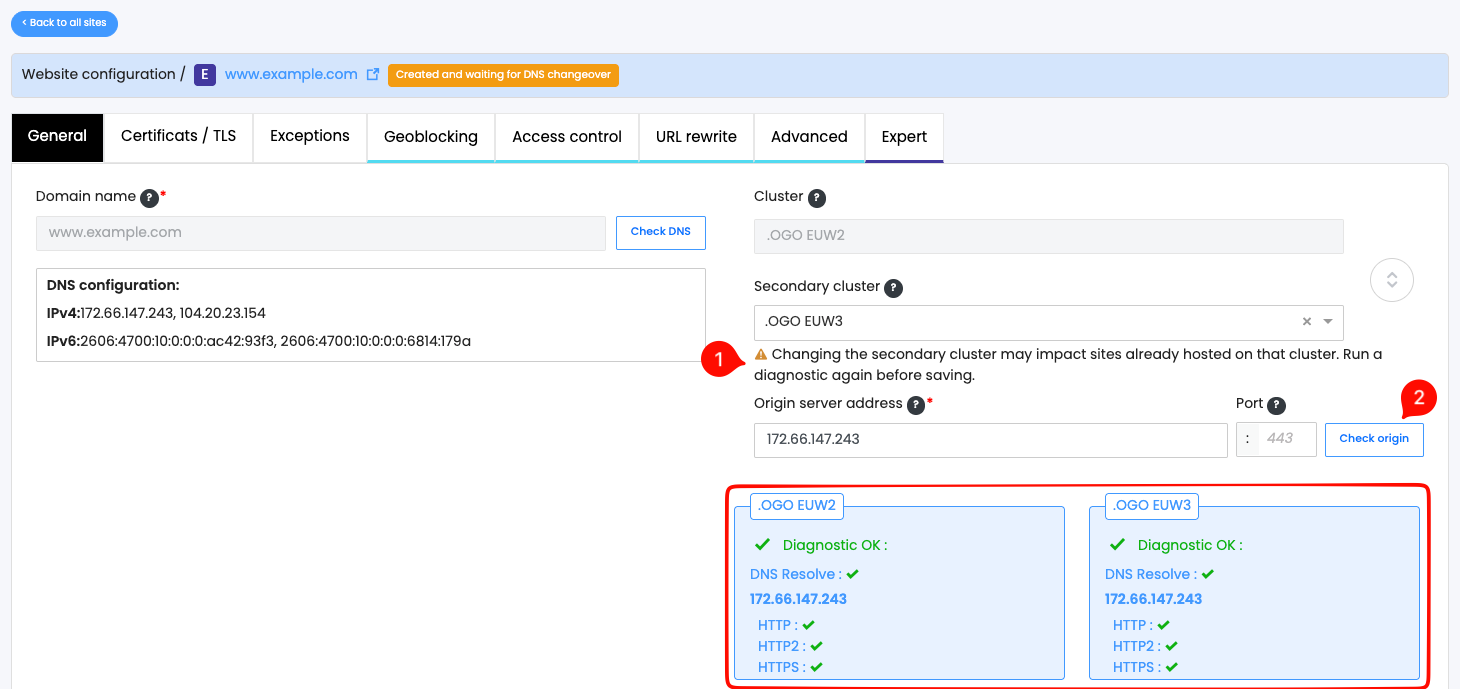
When adding or editing the secondary cluster, you will be prompted to run another diagnostic to ensure that the secondary cluster can communicate with your origin server.
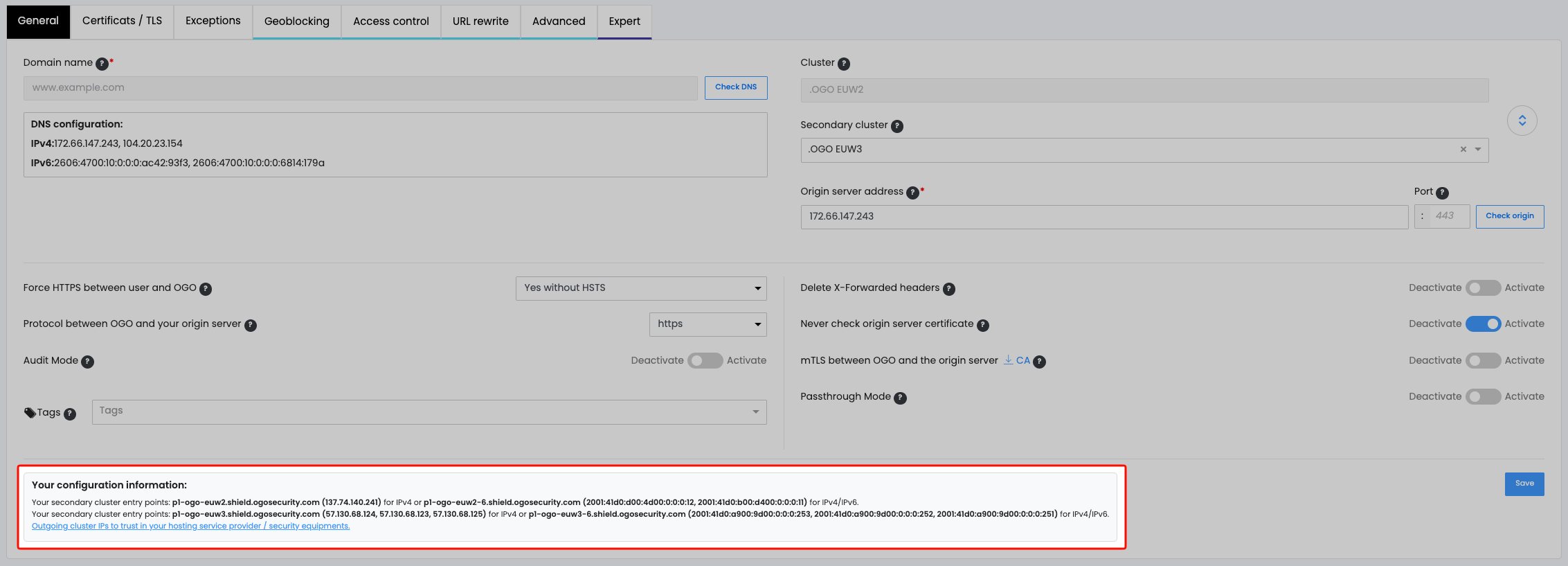
Please note that the access information and the secondary cluster's outgoing IP addresses are listed in the configuration information at the bottom of the page. If the diagnostic test fails, make sure your security systems (such as firewalls) allow access from the secondary cluster.
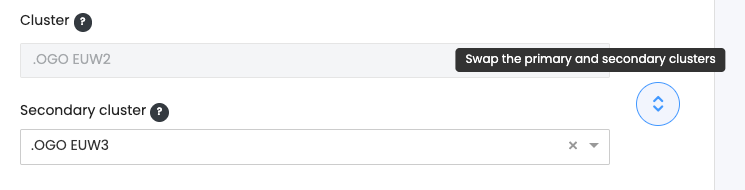
Swap the primary and secondary clusters
If you want to change your site's primary cluster, simply add a secondary cluster by following the instructions above, and then click the button to swap the clusters.
Please note that your site's configuration remains deployed on both clusters.