

Logo

What are you looking for?

Configure a site

Geoblocking

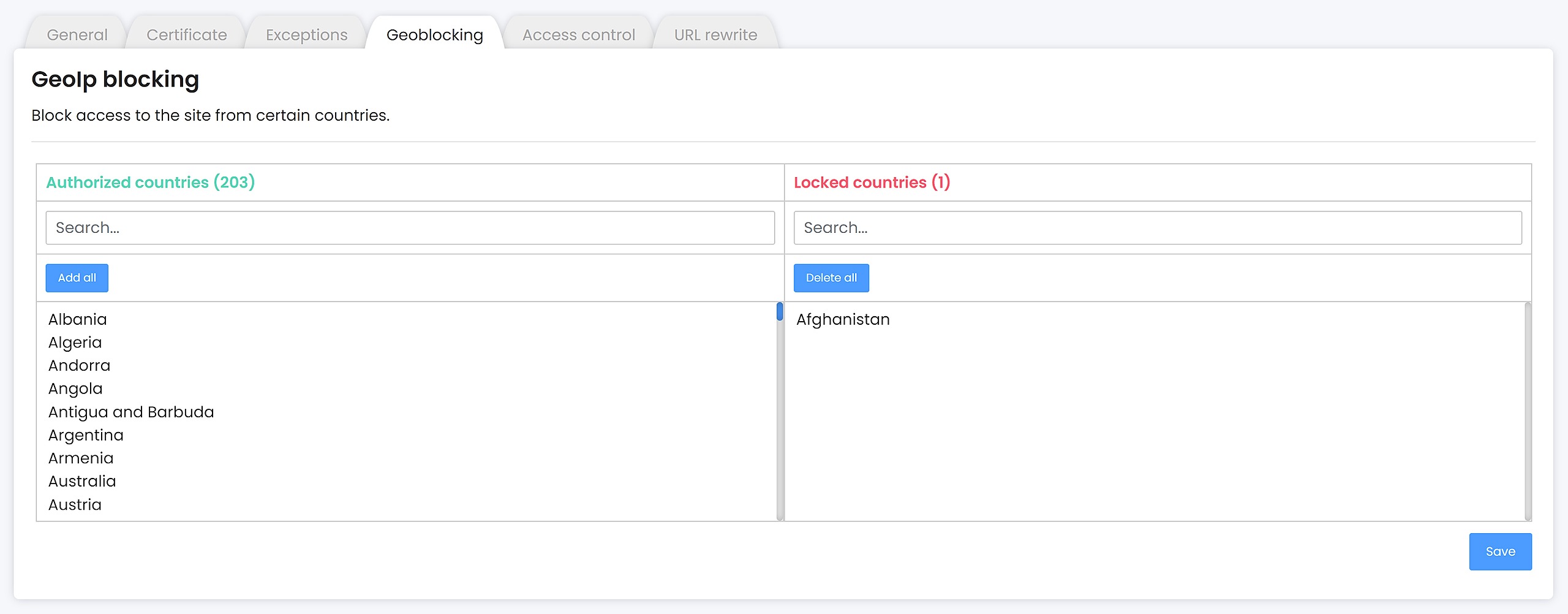
The "Geoblocking" tab allows you to ban the consultation of your site for specific countries.

Last updated on 09 Jan, 2026

To block a country, select it in the list of "Authorized countries". Once you have selected the countries to block, save it.

To authorize a country, select it in the "Blocked countries" column. Once you have selected the countries to authorize, save it.
 

Image
Did you find this article helpful?
Previous

Access control

Next